
Drone Water Damage Repair & Recovery Advice
Freshwater and saltwater exposure can damage DJI drones fast. The right move is simple: stop power, protect the aircraft, and get the board inspected before corrosion turns a possible recovery into a replacement.
DroneEverything helps customers understand whether a wet DJI Mini, Air, Mavic, Avata, FPV, or Phantom has a realistic recovery path, needs board-level cleaning, or should move straight to replacement.
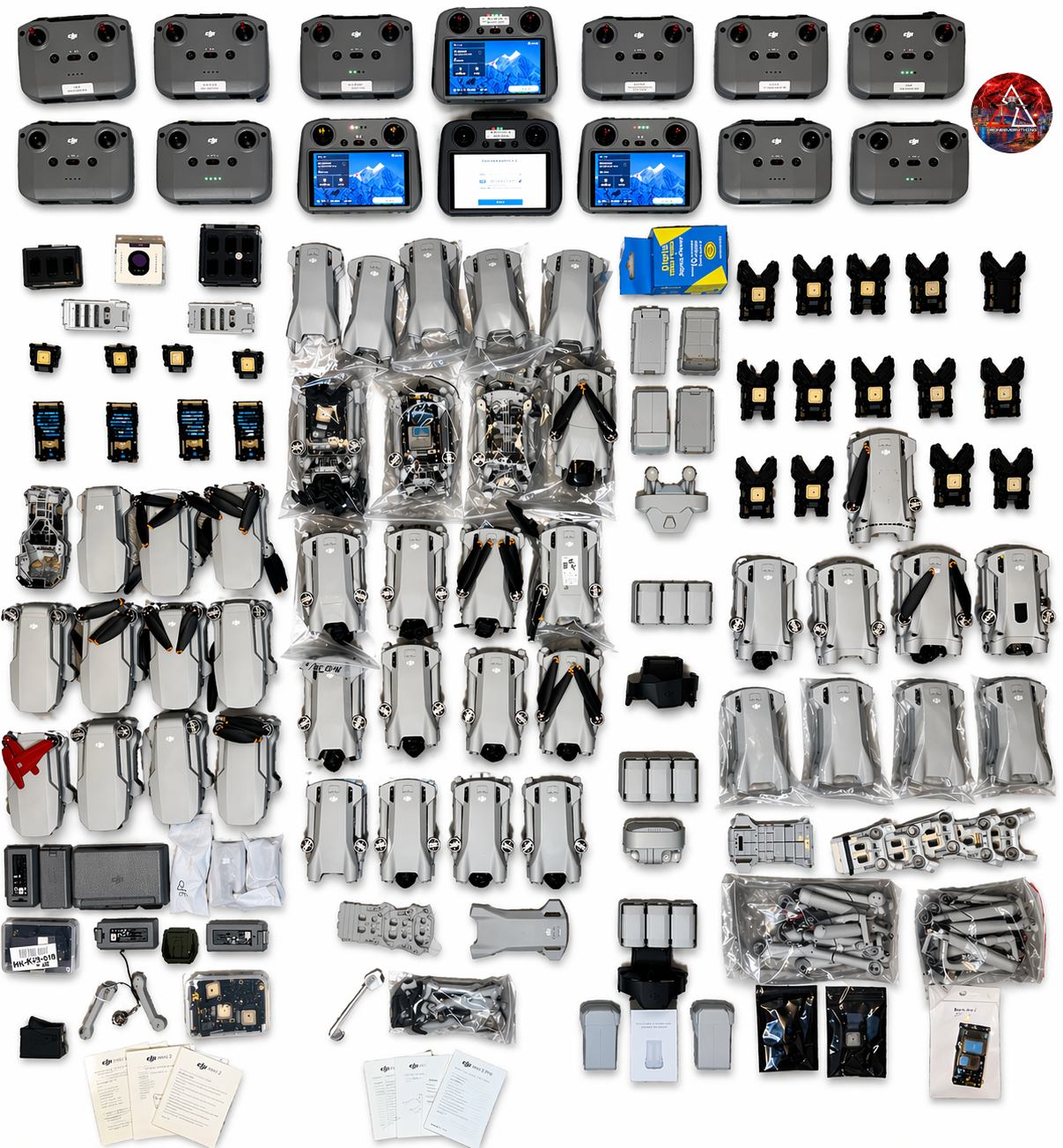
Important: Do not power on, charge, or test a wet drone. Water damage often gets worse the moment voltage is applied. If the battery is swollen, leaking, hot, punctured, crushed, or water-damaged, do not ship it or handle it like a normal battery.
What to do immediately after a drone gets wet
The first few minutes matter. The goal is to stop electrical damage, avoid making corrosion worse, and preserve the best chance of a clean inspection.
Stop Power
Turn the drone off immediately if it is still on. Remove the battery as soon as it is safe to do so.
Do Not Test
Do not press the power button, charge the drone, connect it to a computer, or try a quick test flight.
Protect the Drone
Remove the SD card if accessible, dry the exterior gently, and keep the aircraft in a safe dry place.
Get It Checked
Freshwater has a short recovery window. Saltwater exposure should be treated as urgent same-day damage.
How board-level water recovery is handled
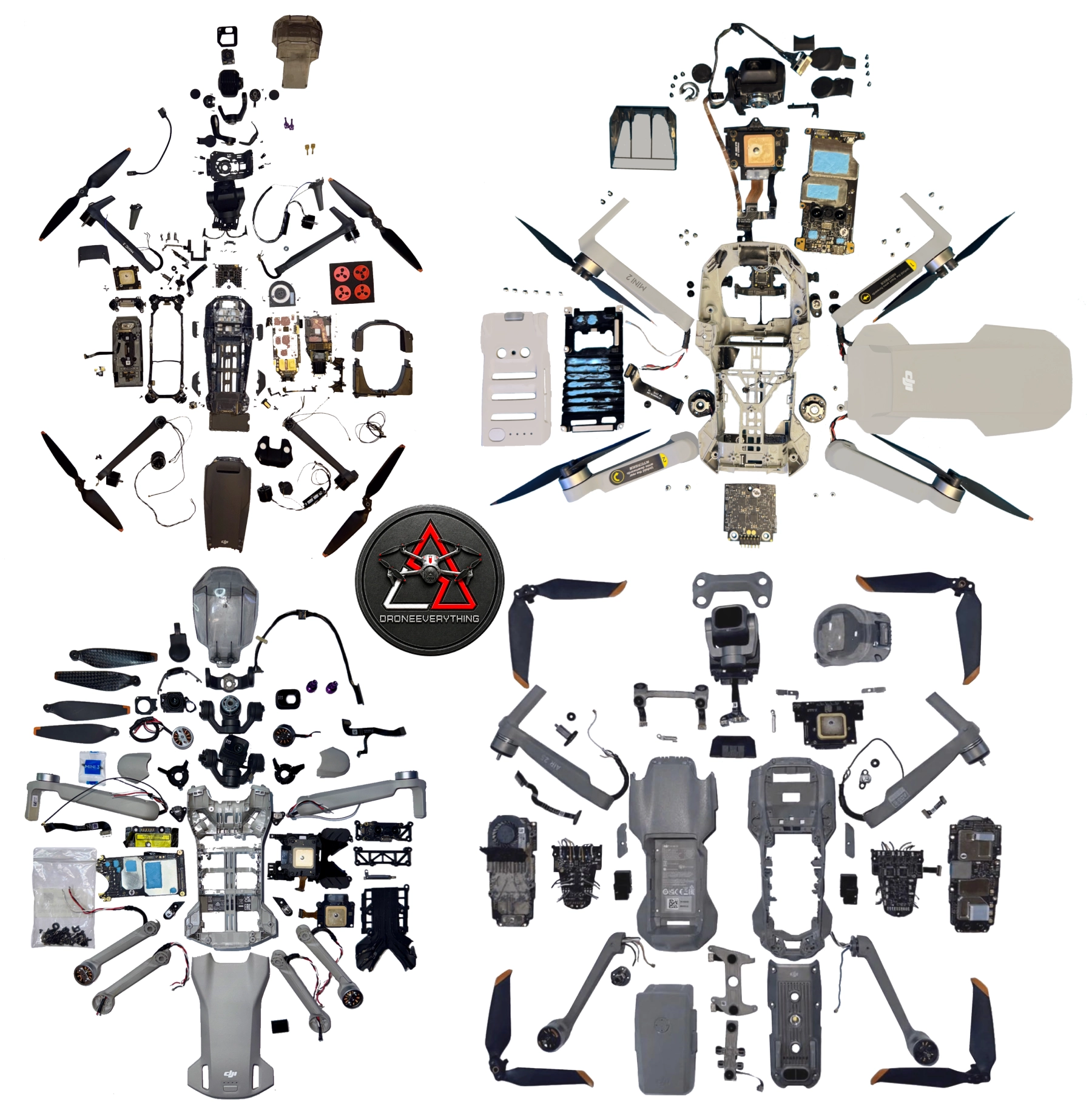
This is repair-shop level work. The aircraft must be disassembled, cleaned correctly, dried completely, inspected under magnification, and only then powered for controlled testing.
Putting a wet drone in rice, using high heat, or waiting for it to “dry out” does not remove minerals, salt, or corrosion from under connectors, shields, BGA chips, and fine-pitch components.
Repair-shop standard
Water recovery is not just drying. It is contamination removal, alcohol displacement, controlled drying, microscope inspection, and realistic repair-or-replace decision making.
Disassemble
Remove battery, camera modules, displays, antennas, speakers, covers, and affected assemblies until the board can be inspected.
Initial Rinse
Use distilled or lab-grade DI water to remove contaminants, salts, and minerals before they continue attacking the board.
Ultrasonic Clean
Use electronics-safe solution, correct frequency, controlled temperature, and short cycle time. Over-cleaning can create new damage.
Final Rinse
Rinse the full board thoroughly with distilled or DI water so cleaning residue is not left behind.
IPA Displacement
Flush with 99% isopropyl alcohol to help displace water from under components, connectors, and tight board areas.
Oil-Free Air
Blow from multiple angles until no liquid exits connectors, vias, shields, or board edges.
Low-Temp Dry
Dry at about 131 °F / 55 °C for 6-12 hours. Overnight drying is preferred before any power testing.
Inspect & Test
Check for moisture, corrosion, residue, damaged traces, bad connectors, and hidden faults before controlled power-up.
Freshwater vs. saltwater recovery windows
These are practical repair-shop estimates, not guarantees. Actual results depend on whether the drone was powered after exposure, how long it stayed wet, the water type, board design, corrosion level, and part availability.
Freshwater Exposure
Rain, lake, pool, tap water, puddles, and non-saltwater exposure usually progress slower than saltwater, but corrosion can still continue after the drone looks dry.
Saltwater Exposure
Ocean water, brackish water, salt spray, and marine environments are much more aggressive because saltwater is highly conductive and corrosive.
Ultrasonic cleaning removes contamination. It does not reverse corrosion.
What It Can Do
Remove residue, mineral deposits, salt contamination, and visible corrosion products when the board is still physically intact.
What It Cannot Do
Restore missing copper, repair open vias, rebuild damaged BGA pads, reverse internal board layer damage, or make a compromised board reliable.
Why Testing Matters
A board can look clean and still fail under load. DJI drones rely on dense sensors, processors, power circuits, cameras, and gimbal systems.
When replacement is the correct technical answer
Water damage gets expensive when corrosion spreads beyond the first visible problem. A drone may boot once, then fail later because traces, vias, connectors, or hidden components were already weakened.
Water damage continues after the drone looks dry
Corrosion Keeps Moving
Moisture and contaminants can remain under shields, chips, connectors, and cables long after the outside of the drone feels dry.
Copper Does Not Heal
Once copper traces, vias, pads, or connector contacts are consumed or weakened, cleaning cannot rebuild them.
Power Makes It Worse
Applying voltage to a wet or contaminated board can speed up electrochemical damage and create new failures.
Bottom line: Freshwater boards usually die slowly. Saltwater boards die fast. After months, water damage is usually permanent and ultrasonic cleaning is often cosmetic, not corrective.
Common questions about wet DJI drones
Can a DJI drone be repaired after water damage?
Sometimes. Recovery depends on water type, time since exposure, whether the drone was powered on afterward, corrosion level, and whether parts are available. Freshwater exposure handled quickly has the best chance.
Is saltwater drone damage repairable?
Saltwater is extremely aggressive. Same-day professional cleaning may help in some cases, but saltwater damage often requires board replacement and can make repair uneconomical.
Should I put my drone in rice?
No. Rice does not remove minerals, salt, or corrosion from the board. It can create a false sense of security while damage continues under components.
Can I power it on after it dries?
No. A dry exterior does not mean the board is safe. Power testing should happen only after proper disassembly, cleaning, drying, and inspection.
Should I mail in the battery?
No. Do not ship a water-damaged, swollen, leaking, punctured, overheated, smoking, crushed, or questionable battery. Contact DroneEverything before shipping anything related to battery damage.
Need help with a water-damaged DJI drone?
Send the model, what happened, how long ago it happened, whether it was freshwater or saltwater, and whether the drone was powered on afterward. DroneEverything will help you choose the smartest next step.
