
DJI Common Issues & Diagnostic Tests
Use this page to understand common DJI drone problems before repair, mail-in service, or local drop-off. It helps you describe the issue, know what to check, and decide when the drone needs hands-on diagnostics.
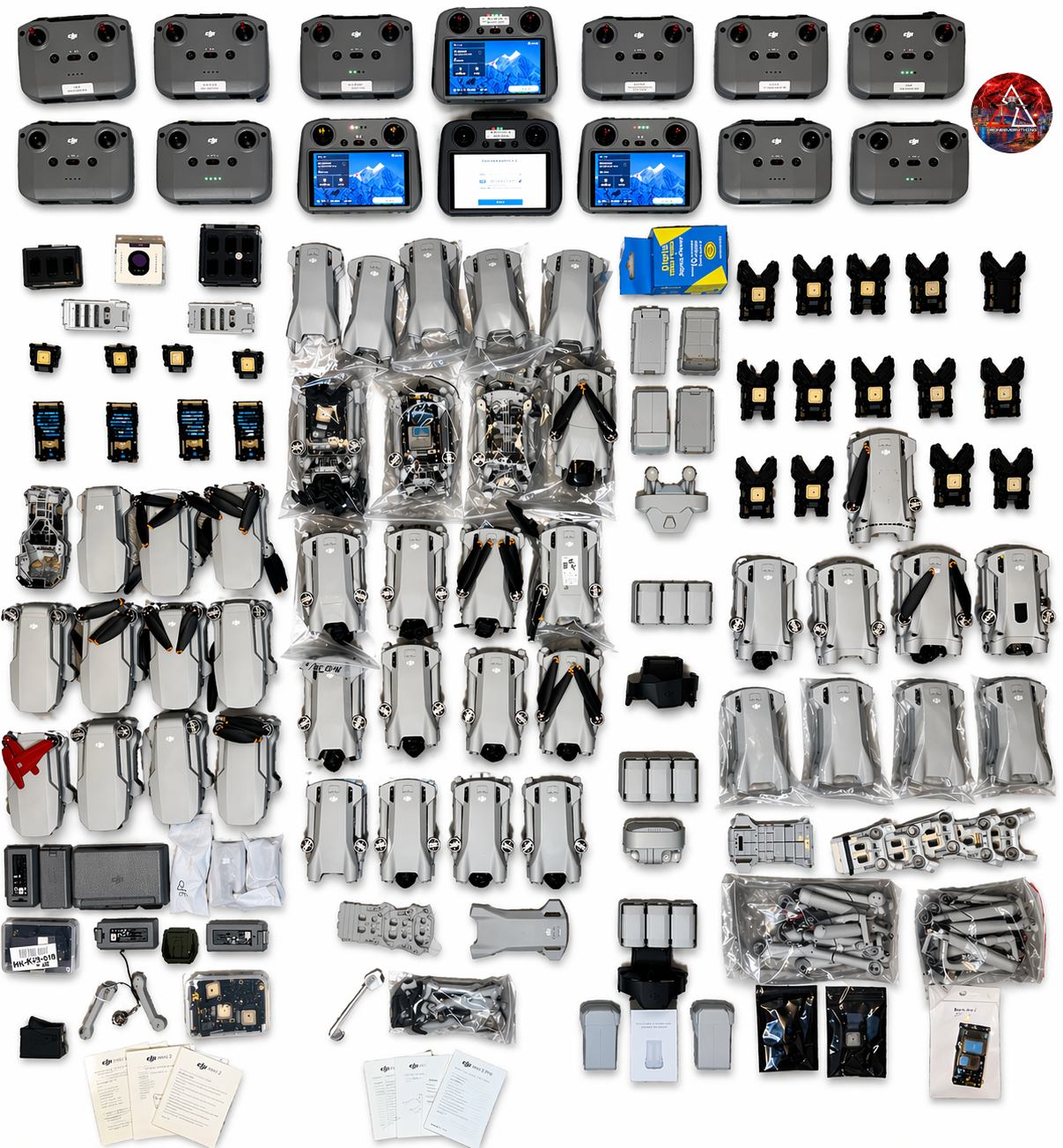
DroneEverything works on DJI Mini, Air, Mavic, Avata, FPV, and Phantom drones with problems like gimbal errors, camera issues, no power, crash damage, controller connection trouble, firmware failures, compass or IMU warnings, and battery messages.
Simple checks before you assume the drone is broken
A lot of DJI problems start with battery state, firmware, app settings, damaged parts, or a connection issue. These checks help narrow it down without making the problem worse.
Power & Battery
Check for swelling, leaking, heat, cracked battery cases, bent contacts, charging trouble, hibernation, and battery firmware warnings.
Crash Damage
Look for cracked arms, bent motors, damaged props, broken landing gear, loose shells, missing screws, and gimbal parts that move wrong.
App & Controller
Confirm the right app, controller binding, cable, phone compatibility, firmware status, and whether the aircraft shows up correctly.
Common DJI diagnostic tests and what they tell you
These are the checks usually used to separate a setup issue from a repair issue. Some can be done in the app. Others need hands-on inspection, test parts, or repair bench experience.
What common DJI symptoms usually point to
This is not a final diagnosis. It is a practical guide to help you describe the problem clearly before a repair estimate.
When it is time for DroneEverything to inspect it
If the same error keeps coming back, the drone has crash damage, the gimbal is physically off, the battery is questionable, the aircraft will not bind, or the update keeps failing at the same point, a repair bench diagnosis is the cleaner path.
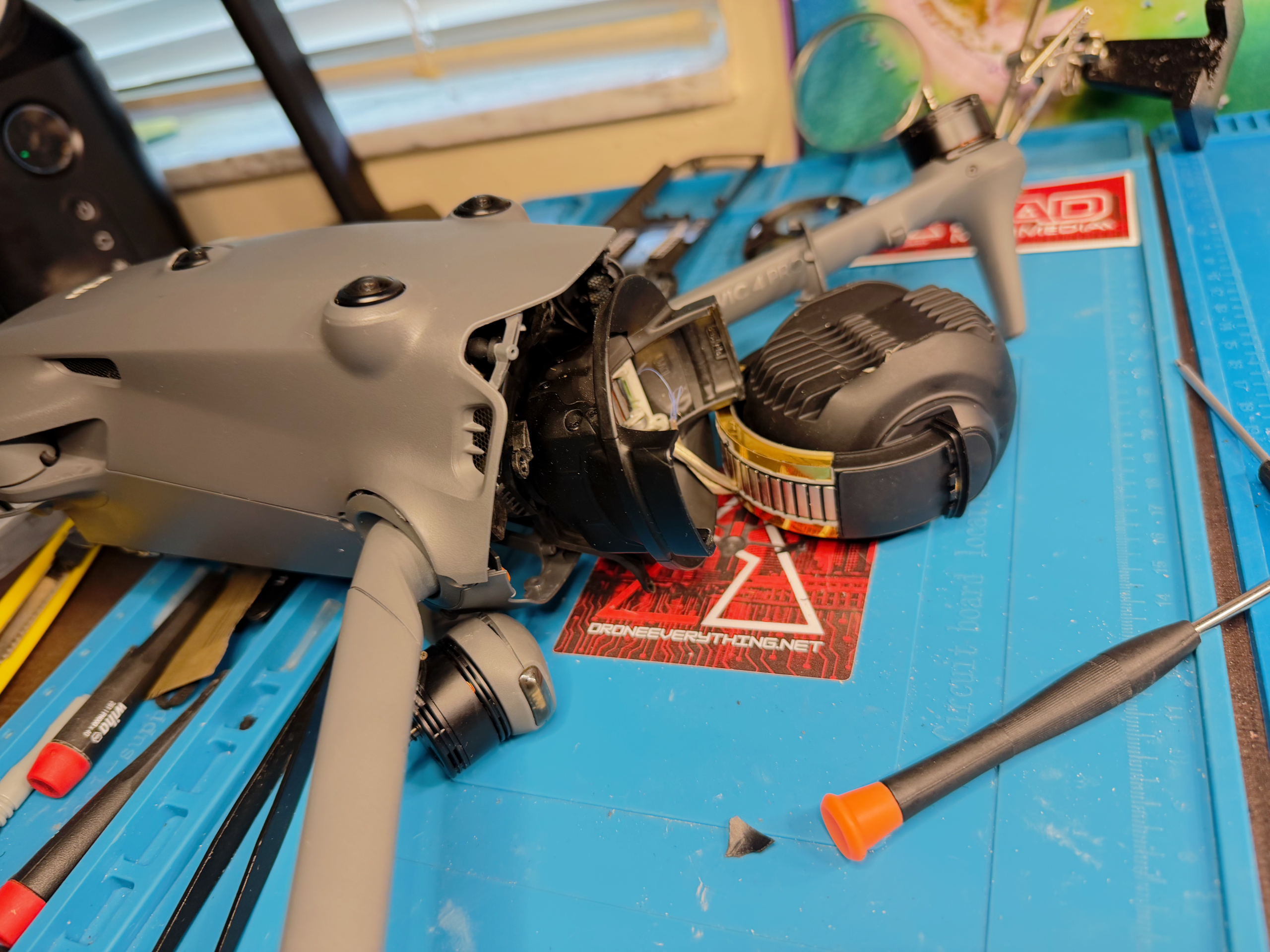
Real repair support for DJI drone problems, not generic guessing.
Use these guides if the issue is more specific
DJI LED Light Meanings
Use this when the drone or battery is showing red, yellow, green, blue, white, or abnormal LED behavior.
Open LED GuideAssistant 2 Stop Percentages
Use this when DJI Assistant 2 keeps failing during a firmware update at the same percentage.
Open Percentage GuideUpdating DJI Firmware
Use this before updating firmware, after a failed update, or when the drone will not update cleanly.
Open Firmware GuideDJI common issue FAQ
Can I diagnose a DJI drone without opening it?
You can narrow down app, battery, controller, firmware, and calibration issues without opening the drone. Physical crash damage, gimbal damage, no-power problems, and internal communication faults usually need bench inspection.
Should I calibrate the IMU or compass every time there is an error?
No. Calibrate only when the app asks, after certain repairs, or when the drone has a repeatable sensor warning in a clean location. Repeated warnings after a crash may be hardware related.
What should I send for mail-in repair?
For normal mail-in repair, send the drone aircraft with the gimbal protector or camera cover installed. Do not send the battery, SD card, remote controller, charger, case, or extra accessories unless that item is part of the problem or DroneEverything asks for it.
Can DroneEverything help if I do not know the exact problem?
Yes. Send the model, symptoms, app warning, crash history, photos, and what you already tried. DroneEverything can inspect the drone and give repair direction.
Send the model, warning message, and what happened before the problem started.
DroneEverything can help with local Tampa Bay repair, nationwide mail-in repair, and practical repair-or-replace guidance for DJI drone owners.
