
Updating DJI Firmware Without Making the Problem Worse
Firmware updates can fix bugs, improve stability, add features, and update battery or controller behavior. They can also fail when the wrong software, weak Wi-Fi, bad USB cable, low battery, or aircraft communication issue gets in the way.
Use this guide before you update, while an update is stuck, or after DJI Fly or DJI Assistant 2 keeps failing. If the same problem repeats, DroneEverything can help decide whether it is software, battery, USB, controller, or a real repair issue.
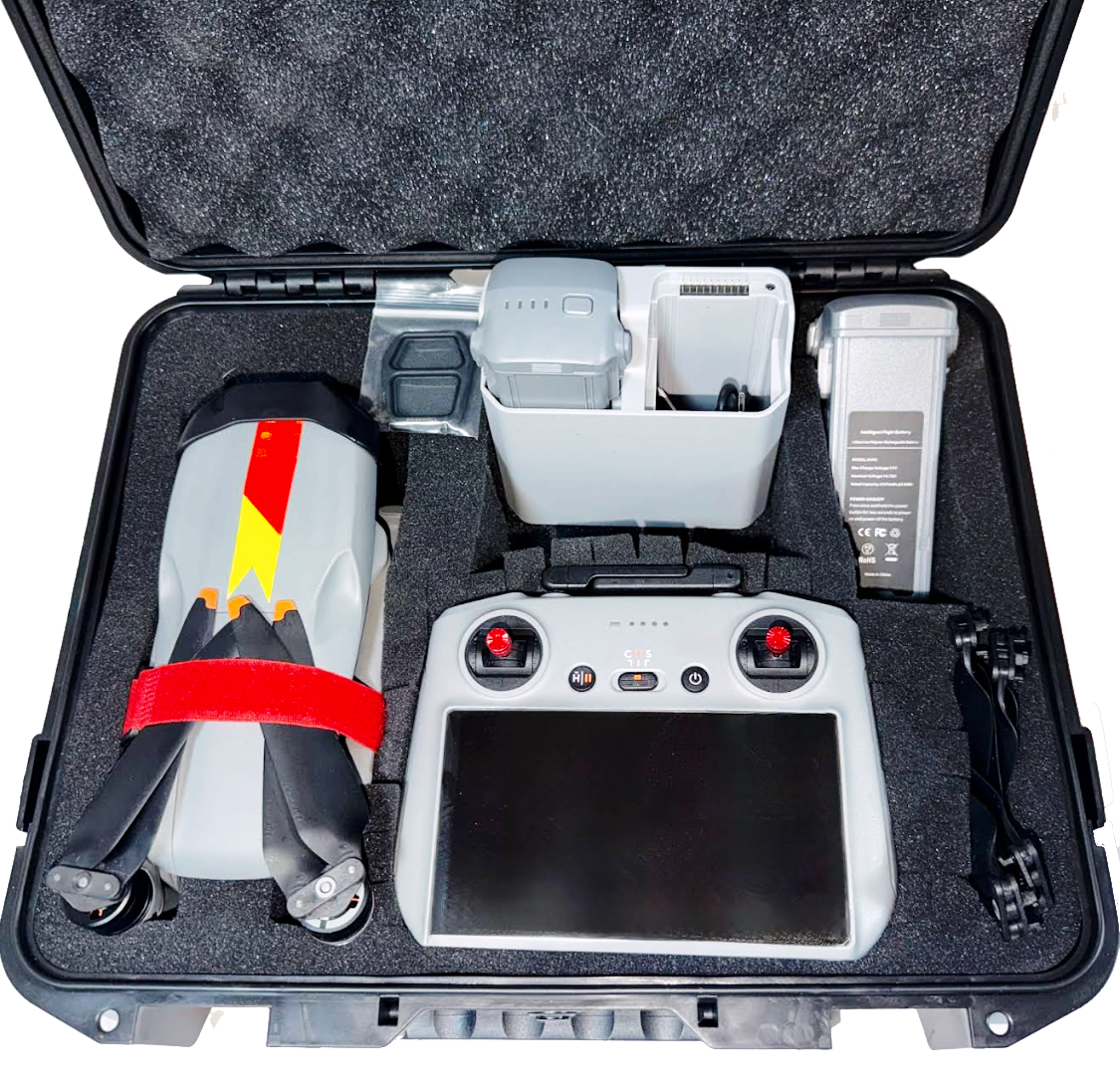
Start with DJI Fly. Use DJI Assistant 2 when the app fails.
Most normal updates should start in the DJI app. If the update will not download, fails repeatedly, or gets stuck, a clean computer update with the correct DJI Assistant 2 version is usually the next move.
DJI Fly App Update
Best for normal updates when the drone, controller, phone, and Wi-Fi are working. Keep DJI Fly open and let the update fully finish before disconnecting anything.
DJI Assistant 2 Update
Best when app updates fail, the aircraft needs a refresh, or you need a wired update path. Use the exact Assistant 2 branch for your drone series.
Battery Firmware Update
Some DJI batteries need firmware too. Insert each battery one at a time and check for update prompts after the aircraft firmware is current.
A safer order for updating DJI firmware
Do not treat every update problem like a random software glitch. The order matters because it helps you separate app trouble from cable trouble, battery trouble, controller trouble, and aircraft trouble.
Do a short safety check before normal flying
Firmware updates can reset or change settings. Before a real flight, check the things that protect the drone, the pilot, and the footage.
What failed DJI updates usually mean
The exact error code and stop percentage matter. Write them down before restarting. If DJI Assistant 2 stops at the same percent every time, use the percentage guide too.
When a firmware problem may actually be a repair problem
USB Communication Failure
If multiple good cables and computers fail to keep the drone connected, the aircraft USB port, internal cable, board, or firmware storage may need inspection.
Battery Communication Issue
If one battery updates and another fails, the issue may be battery-specific. If every battery fails the same way, the aircraft may be the problem.
Crash Before Update
If the update problem started after a crash, hard landing, water exposure, gimbal damage, or no-power symptom, do not treat it like a normal software issue.
Use the right DJI software for the drone
DJI has multiple Assistant 2 branches. The wrong one may not detect your drone or may not handle the aircraft correctly. Start with the official DJI support page for your exact model.
Use these if the update is already failing
Assistant 2 Stop Percentages
Use this when DJI Assistant 2 keeps failing around the same percentage or shows timeout/device did not respond errors.
Open Percentage GuideDJI LED Light Meanings
Use this when the drone shows red, yellow, green, blue, white, or strange battery LED behavior before or after the update.
Open LED GuideBattery Hibernation
Use this when the battery will not wake, charge, update, or communicate normally after sitting unused.
Open Battery GuideQuestions about updating DJI firmware
Should I update DJI firmware through the app or computer?
Use DJI Fly for normal updates when the app, drone, controller, and Wi-Fi are working. Use DJI Assistant 2 on a computer when the app update fails, the aircraft needs a refresh, or you need a cleaner wired update path.
Why does DJI Assistant 2 not detect my drone?
The most common causes are wrong Assistant version, charge-only USB cable, bad cable, USB hub or adapter problem, computer permission issue, bad USB port, or an aircraft-side USB or board problem.
Why does my DJI firmware update fail at the same percentage?
If it fails at the same percent after trying another cable, port, battery, computer, and fresh Assistant install, the issue may be aircraft-side communication, firmware storage, battery communication, or board-level trouble.
Do I need to update every DJI battery?
Sometimes yes. Insert each flight battery one at a time after the aircraft update and check whether the app or Assistant asks for a battery firmware update.
Can I use a USB charging cable for DJI Assistant 2?
No. Use a known-good USB data cable. Many charging cables will power a device but will not pass reliable data for Assistant 2.
Can DroneEverything help if my DJI update failed?
Yes. DroneEverything can inspect update failures, Assistant 2 timeout errors, controller binding issues, battery firmware mismatch, no-power problems, and aircraft-side firmware or hardware faults.
Send the model, error code, and exact percentage where it stops.
DroneEverything can help narrow down whether the problem is software, battery, USB connection, controller mismatch, firmware corruption, or a drone repair issue.
