
DJI Drone Help, Compatibility, Batteries, Models & Advanced Guides
Start here when your DJI drone has warning lights, error codes, firmware problems, battery questions, controller compatibility issues, part questions, or model research needs.
These resources are built from real repair bench experience, customer questions, DJI ownership issues, and the problems that come up before a drone gets mailed in, dropped off, repaired, updated, matched with parts, or replaced.
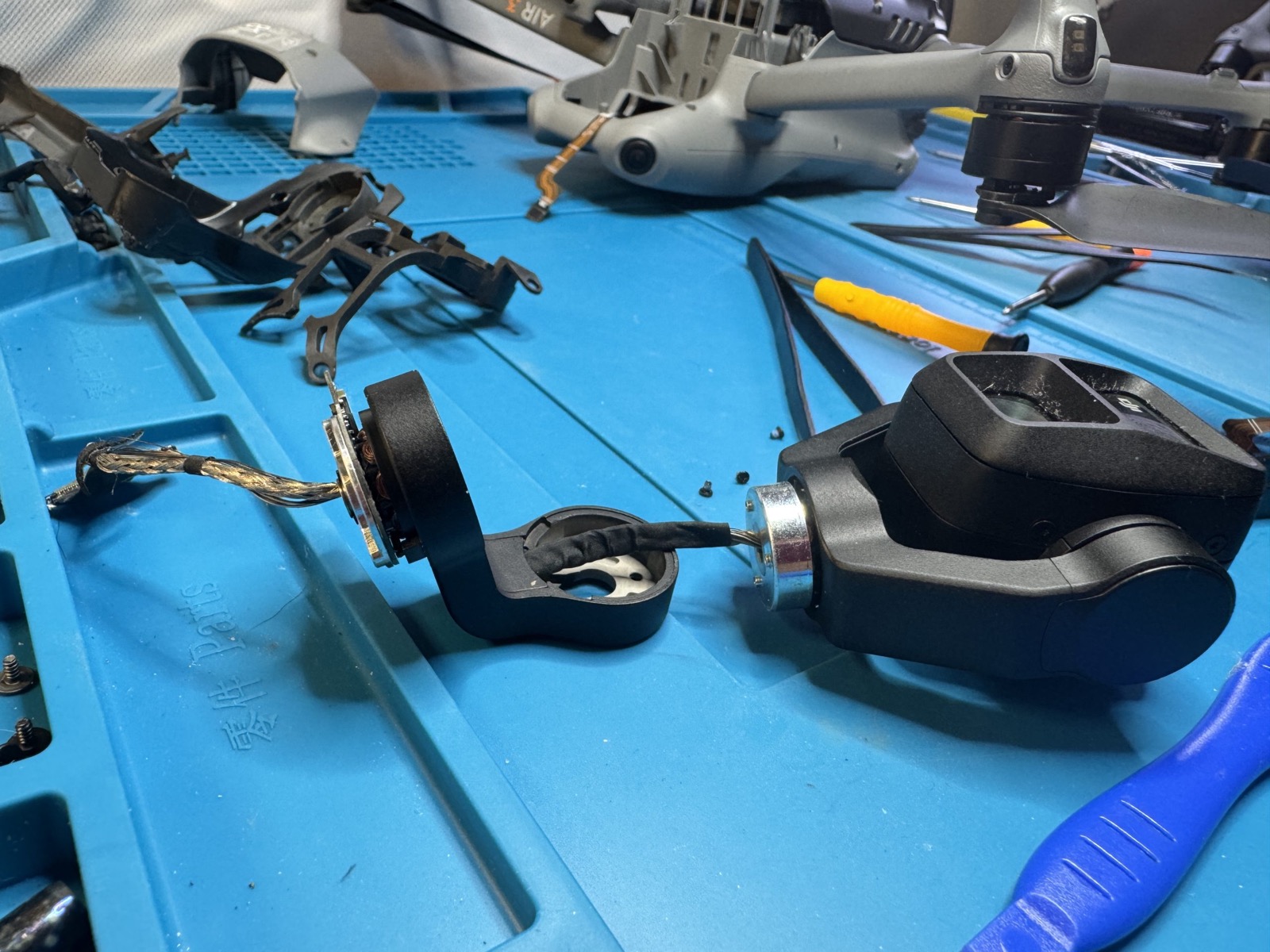
Real gimbal, camera, and PTZ diagnostics behind the DroneEverything resource guides.
Find the guide that matches the problem in front of you
Use the cards below to jump into the right section. If the drone is crashed, wet, stuck updating, showing errors, refusing to connect, or giving battery warnings, start with troubleshooting.
Warnings, error codes, lights, firmware problems, crashes, and water damage
Use these guides when the drone is acting wrong and you need to understand what the message, light, update failure, crash symptom, or water exposure may mean before repair.
Remotes, PTZ cables, memory cards, and matching the right parts
Use this section before buying a controller, cable, memory card, or replacement part so you do not waste money on something that will not work with your drone.
Battery sleep, dead packs, core boards, gimbal modules, and repair realities
Some drone problems are not just software. These guides explain hardware issues that affect DJI repairs, especially battery behavior and paired electronic modules.
DJI model history, manuals, ownership basics, and general DJI knowledge
Use this section when you are researching a DJI model, looking for manuals, comparing drone families, or trying to understand how DJI equipment has changed over time.
Advanced notes, repair photos, deeper reference material, and bench examples
This section is for deeper research, technical curiosity, repair photo examples, and advanced topics that go beyond normal customer troubleshooting.
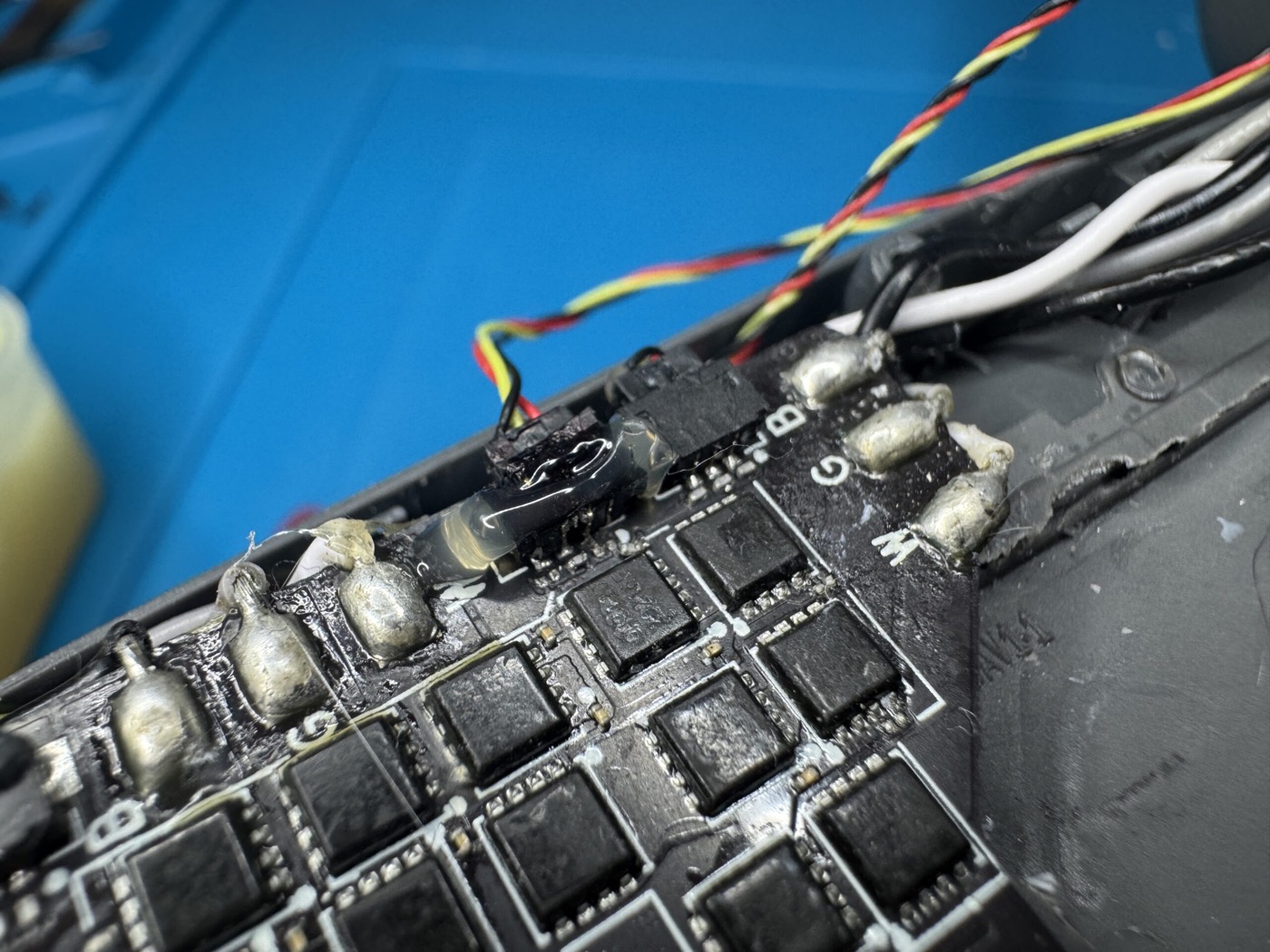
Internal electronics checks for no-power, ESC, motor, and board-level symptoms.
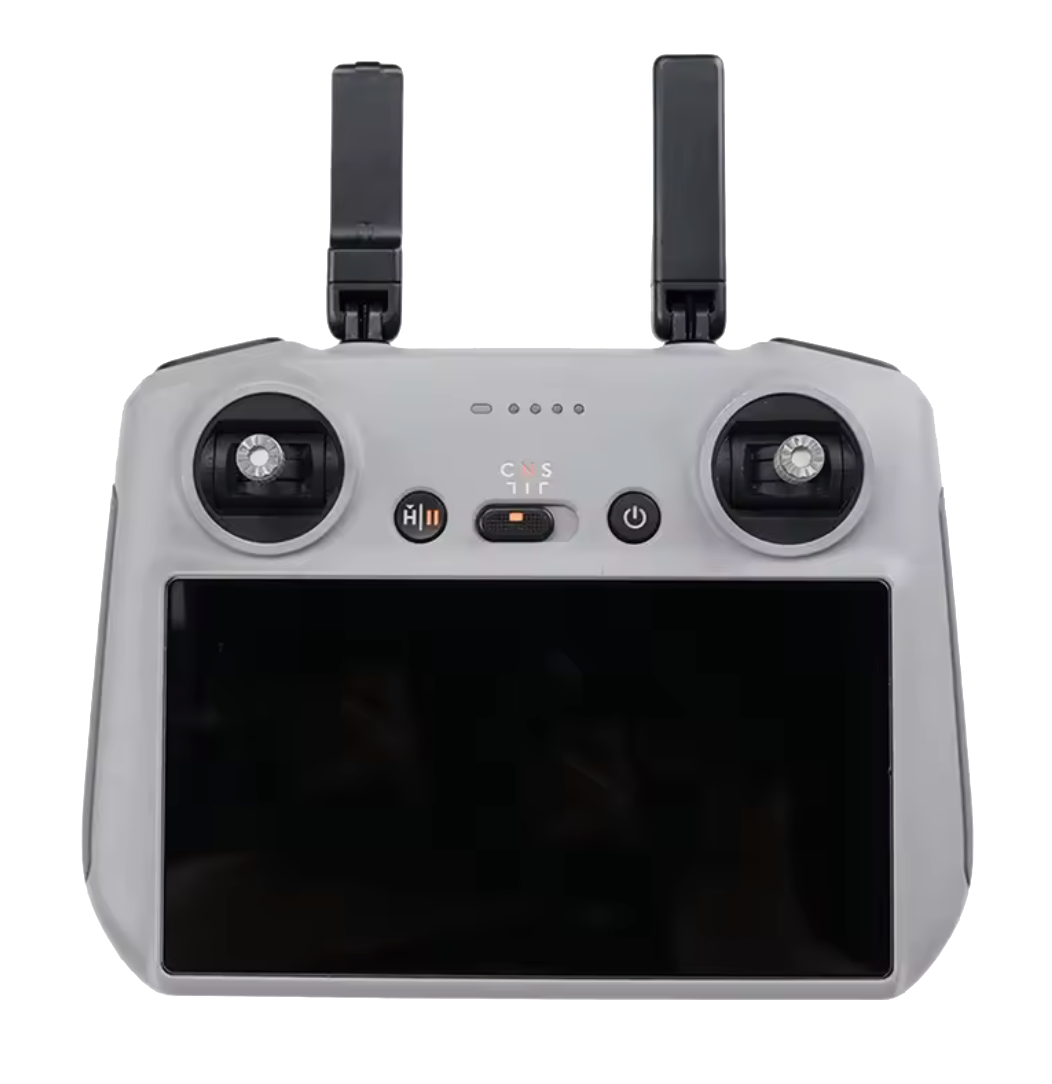
Remote compatibility help before you buy, pair, or replace a controller.
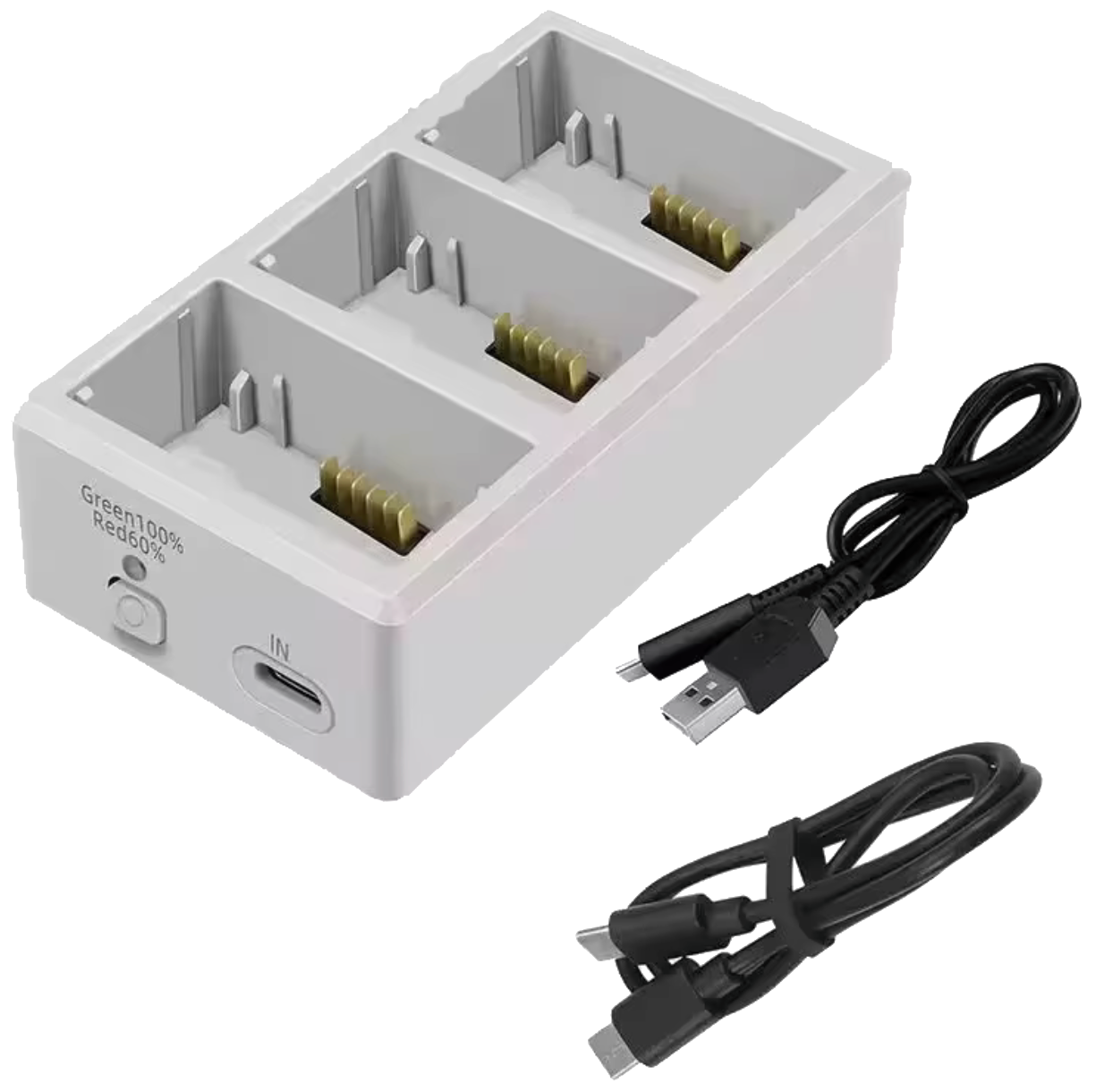
Battery, charging, hibernation, cable, and hardware questions in one place.
Pick the situation that sounds closest
The drone crashed, will not power on, or has damage
Start with the common issue guide, then use the repair page if it needs hands-on diagnostics.
- Broken arm, shell, motor, or prop area
- Gimbal or camera error after impact
- No power, binding issue, or strange warning
The update is stuck or DJI Assistant keeps failing
Use the firmware guides before repeating the same update over and over. A stuck update can be software, USB, battery, controller, or aircraft communication related.
- Firmware update failure
- Assistant 2 stuck at a percentage
- Drone will not finish setup after update
You need the right remote, cable, card, or part
Use compatibility resources before ordering. DJI model names can be close, but parts and controllers are not always interchangeable.
- Controller pairing questions
- PTZ cable or gimbal cable questions
- Memory card and model support questions
DroneEverything can help point you toward repair, mail-in service, the correct part, or the right next guide.
Quick answers before you dig into the guides
If you are trying to decide whether a drone problem is a simple setup issue, a firmware problem, a compatibility mismatch, or a real repair, start with these answers.
What is the DroneEverything resource center for?
The DroneEverything resource center helps DJI drone owners find practical help for error codes, warning lights, firmware updates, batteries, remote compatibility, manuals, water damage, common repair symptoms, and repair next steps.
Where should I start if my DJI drone crashed?
Start with the common issues and diagnostic tests guide. If the drone has broken arms, gimbal damage, camera errors, motor issues, no power, or repeated warnings after a crash, move to DroneEverything repair service or the repair intake form.
What should I do if my DJI firmware update is stuck?
Use the firmware update guide and the DJI Assistant 2 stop percentage guide before retrying the same update repeatedly. A stuck update can be caused by software, USB cable, low battery, controller communication, or an aircraft hardware issue.
How do I check DJI remote compatibility?
Use the DJI remote compatibility guide before buying or pairing a controller. DJI remote names and drone model names can be close, but controllers are not always interchangeable across Mini, Air, Mavic, Avata, Phantom, and Enterprise models.
When should I stop troubleshooting and request repair?
Stop troubleshooting and request repair if the drone was crashed, exposed to water, has a repeated gimbal or camera error, will not power on, shows hardware warnings, or keeps failing after basic updates, calibration, and compatibility checks.
When the guide confirms it needs repair, use the right repair path
The resource pages help you understand the problem. If the drone needs diagnostics, parts, bench inspection, or repair direction, DroneEverything supports local Tampa Bay drop-off and nationwide mail-in repair.
